Section 7 Programming Language & Terms of Use

System Image

Based on reference materials, this section explains the programming languages, system requirements, and installation procedures for Tera Calculation software.

Subsection 1 Operating PC Environment and Programming Languages

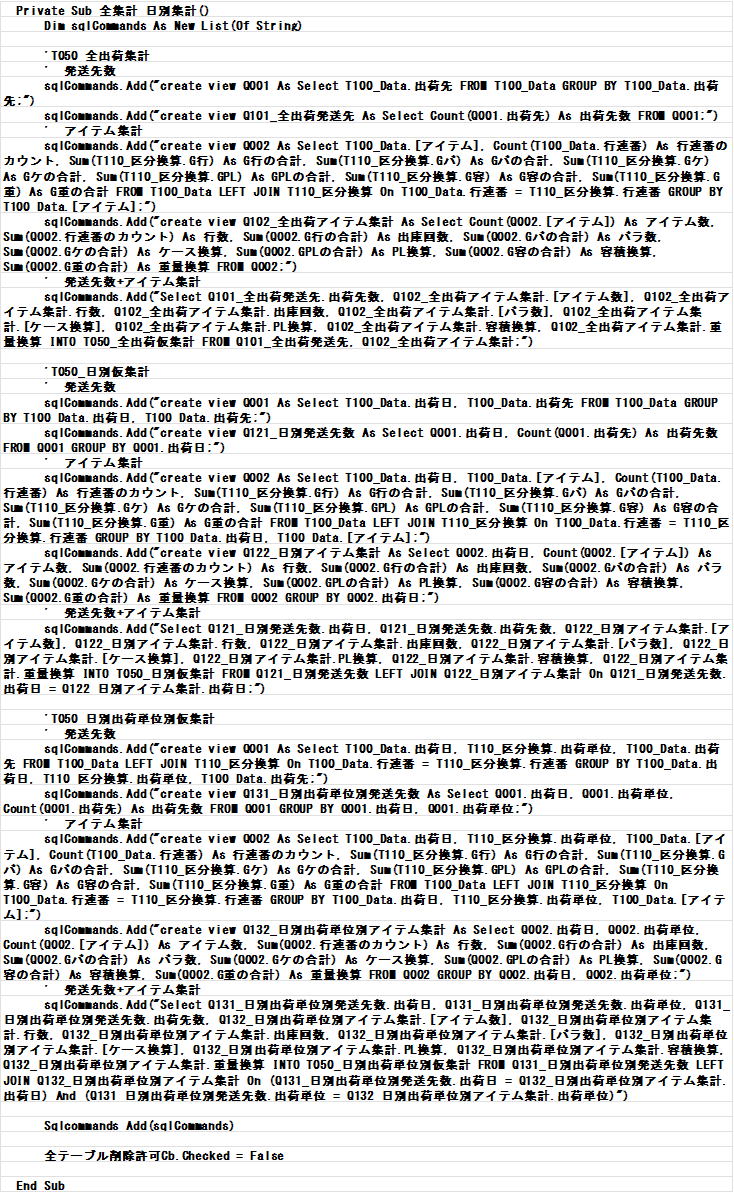
To process large volumes of shipping data (approx. 60,000 rows) at high speed, Tera Calculation software is built combining database technology and programming languages.

  • System Requirements:
    • OS: Operates on Windows 11 (64-bit).
    • Display Resolution: Optimized for desktop PCs at 1500×900 pixels.
    • Recommended Hardware Specs: While operable on laptops, due to heavy processing loads, a CPU of "Core i5" or higher is ideal.
  • Development Languages & Database Engine:
    • VB.Net: Used for user interface screen display and post-output calculation processing.
    • ADO.NET / SQL: Employed for database integration with Microsoft Access and as the core engine for analytical aggregation. SQL provides high processing speeds and excellent maintainability, making it ideal for constructing complex summary tables.
    • Microsoft Access: Selected as the database engine due to its widespread availability. The software operates even without Microsoft Access installed; however, having Access allows users to directly view and re-use data tables inside the database.
Subsection 2 Value of Mock Shipping Data

Bundled with this software is "Mock Shipping Data" created with reference to historical data from an electrical component wholesaler 20 years ago.

Section 8 Installation Method

Installing the software requires preparing the following system components prior to setup.

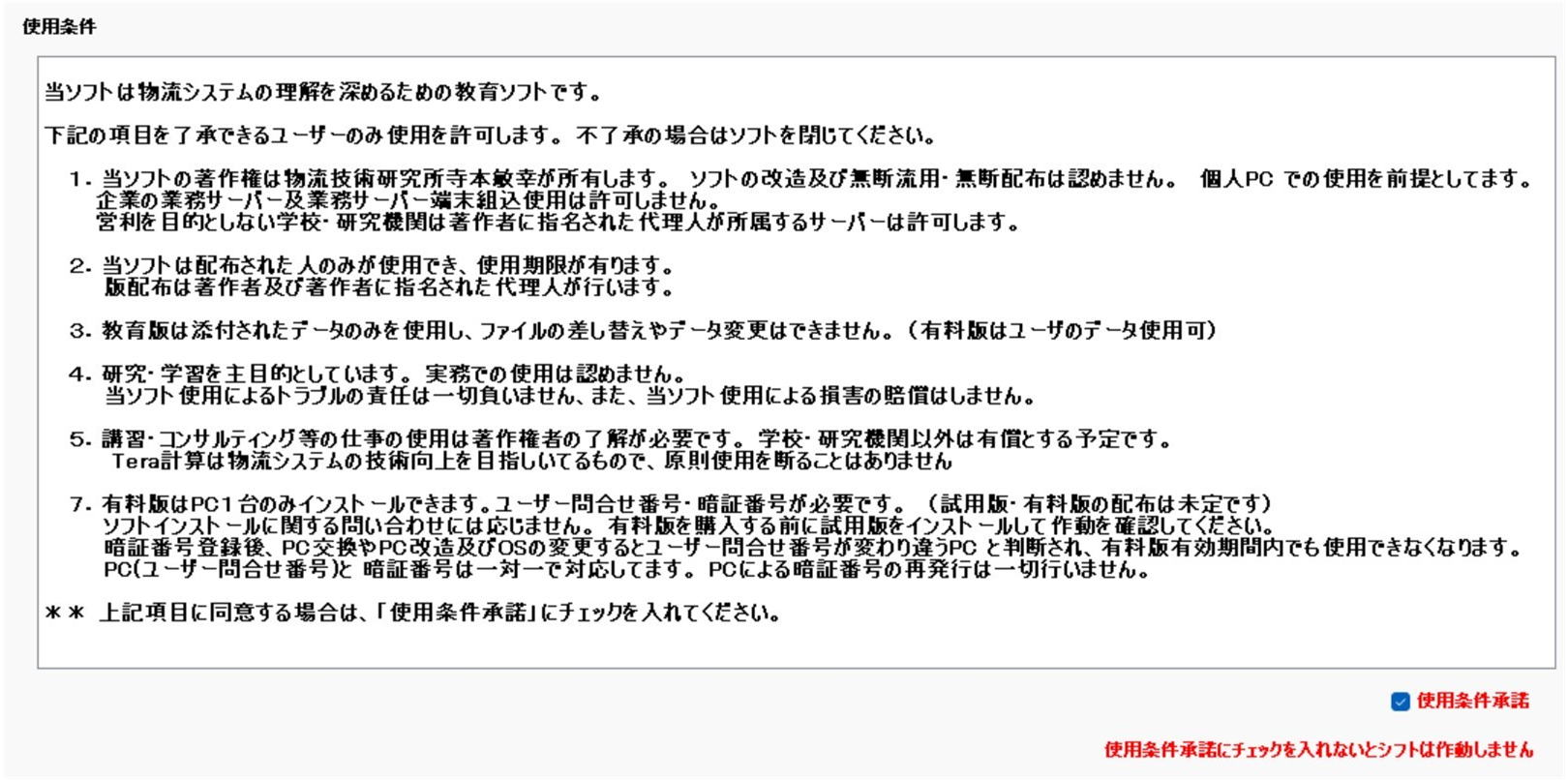
Subsection 2 Software Usage Restrictions & Disclaimers

Usage Restrictions and Disclaimer Diagram

Detailed Installation Steps & Important Notes

1. Prior to installation, it may be necessary to temporarily disable antivirus protection such as Windows Defender.
Installation of Microsoft Access Database Engine 2010 is required; the runtime framework utilizes .NET Framework 4.8.1. These components can be acquired from Microsoft's official website.
1-1. Launching "setup.exe" from the installation files initiates automatic setup.
The installation destination path is C:\Users\Username\AppData\Roaming\Microsoft\Windows\Start Menu\Programs\Microsoft. Once setup finishes, {Tera計算_メニュー画面} ({Tera Calculation_Menu Screen}) appears in the Windows Start Menu "Recommended" section. Clicking {Tera計算_メニュー画面} launches Tera Calculation.
1-2. Copy the attached "Tera計算Data" folder to the C:\ drive root. While copying to D:\, E:\, or F:\ drives is also supported, the path must be specified in the Tera Calculation "Password Registration" screen.

2. Users are kindly requested to independently resolve technical issues encountered during installation. The author resolved setup issues through internet web searches.
Creating a full backup of the C: drive (OS system drive) prior to installation is strongly recommended.
Tera Calculation functions without Microsoft Office Access installed; however, operations dependent on Access software, such as direct database table viewing, cannot be performed without Access.